






 €750 /Month
 Maximum 4 Person
 Minimum Stay 1 Month
 Water Included
 Electricity Included
 Internet Included
 Type Security deposit
Paid to Accommodation Provider
Type Security deposit
Paid to Accommodation Provider Value €1200
we are very close to LUISS university...there are a lot of shops...supermarkets, banks, post offices, and pharmacies...this area is very well-connected..."
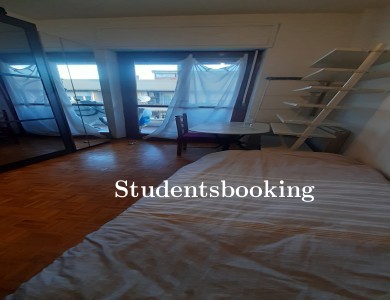
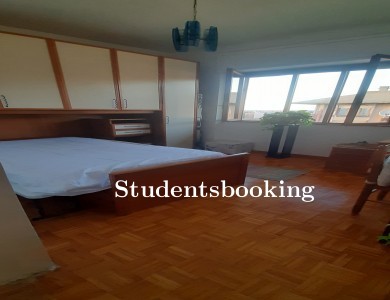
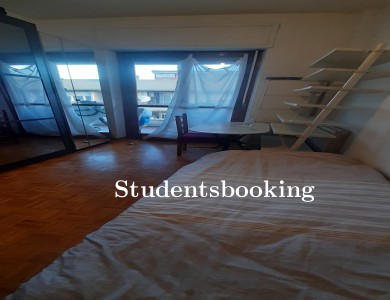
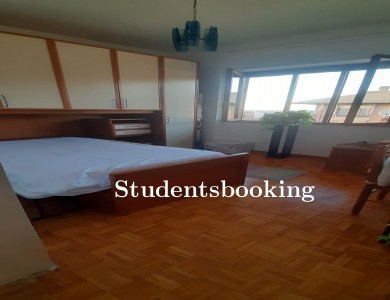
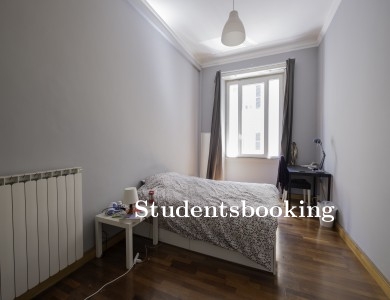
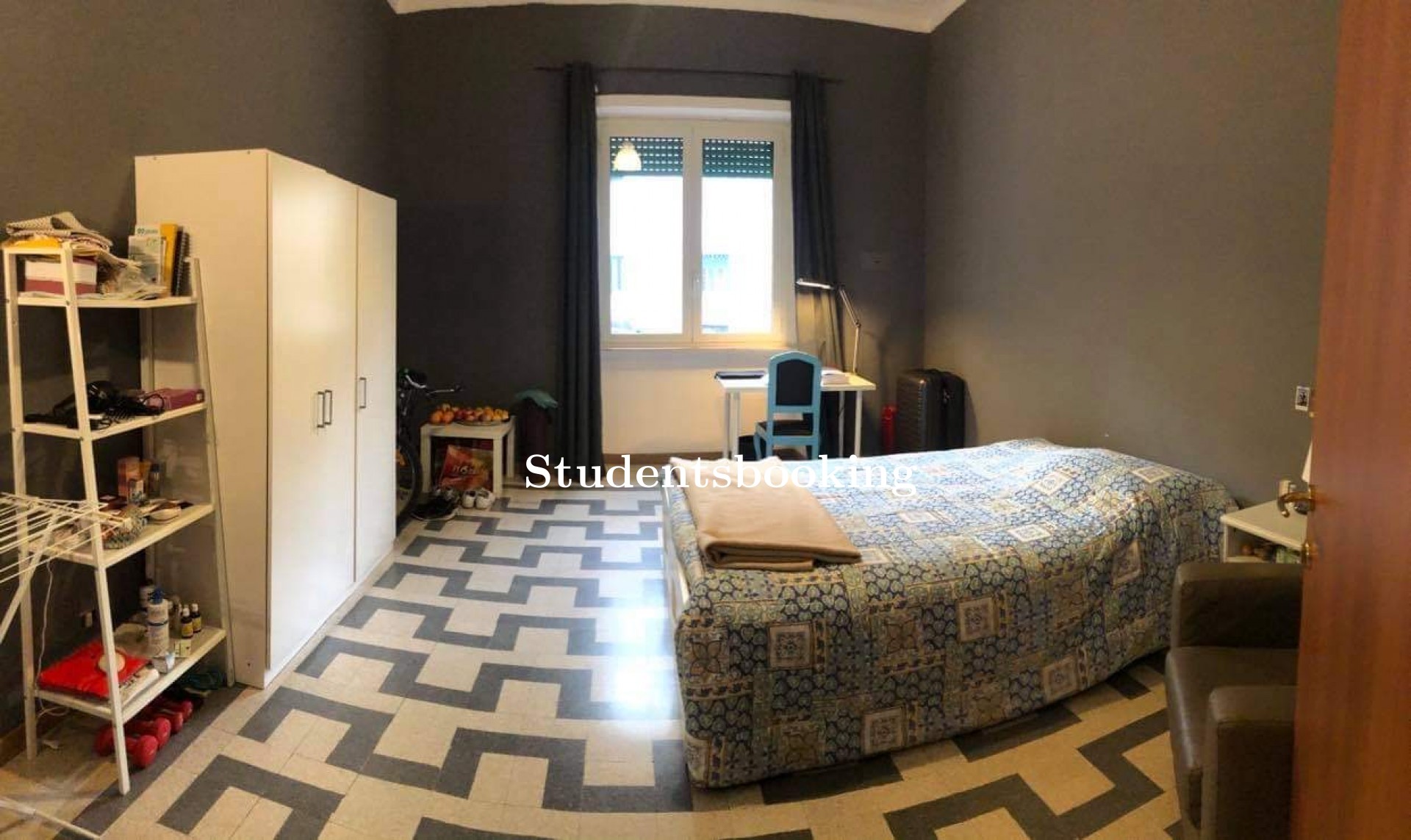
 Bedroom 4
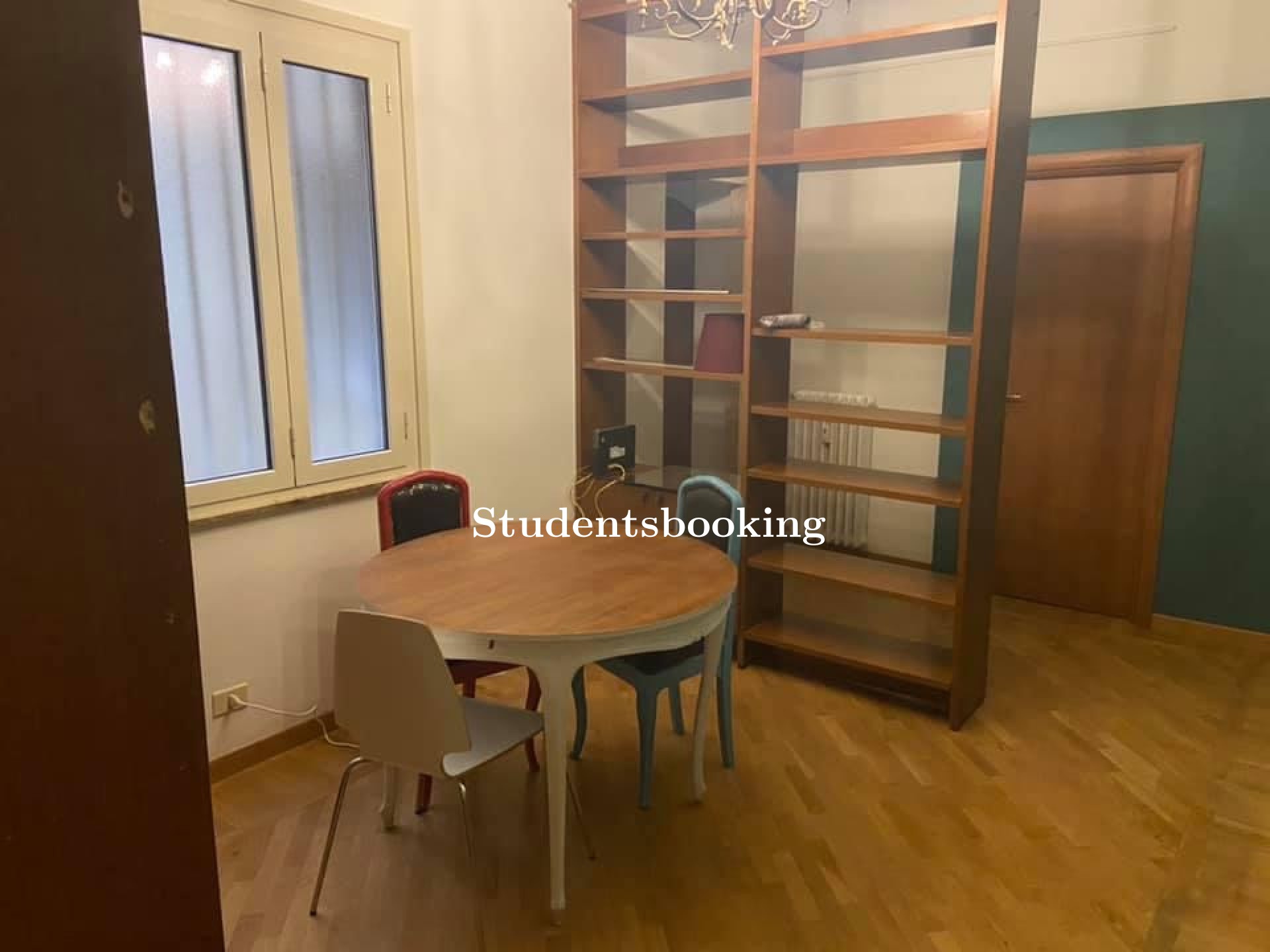
 Living Room 1
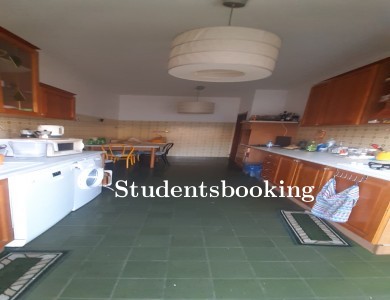
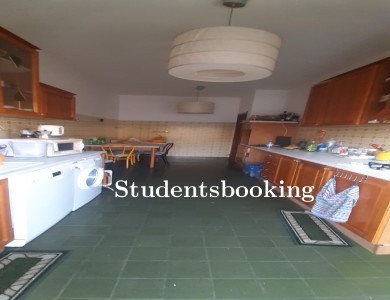
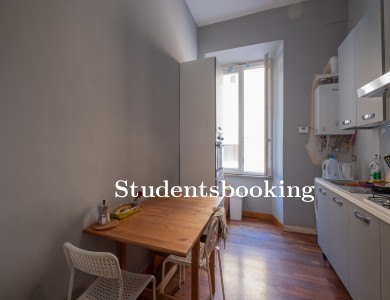
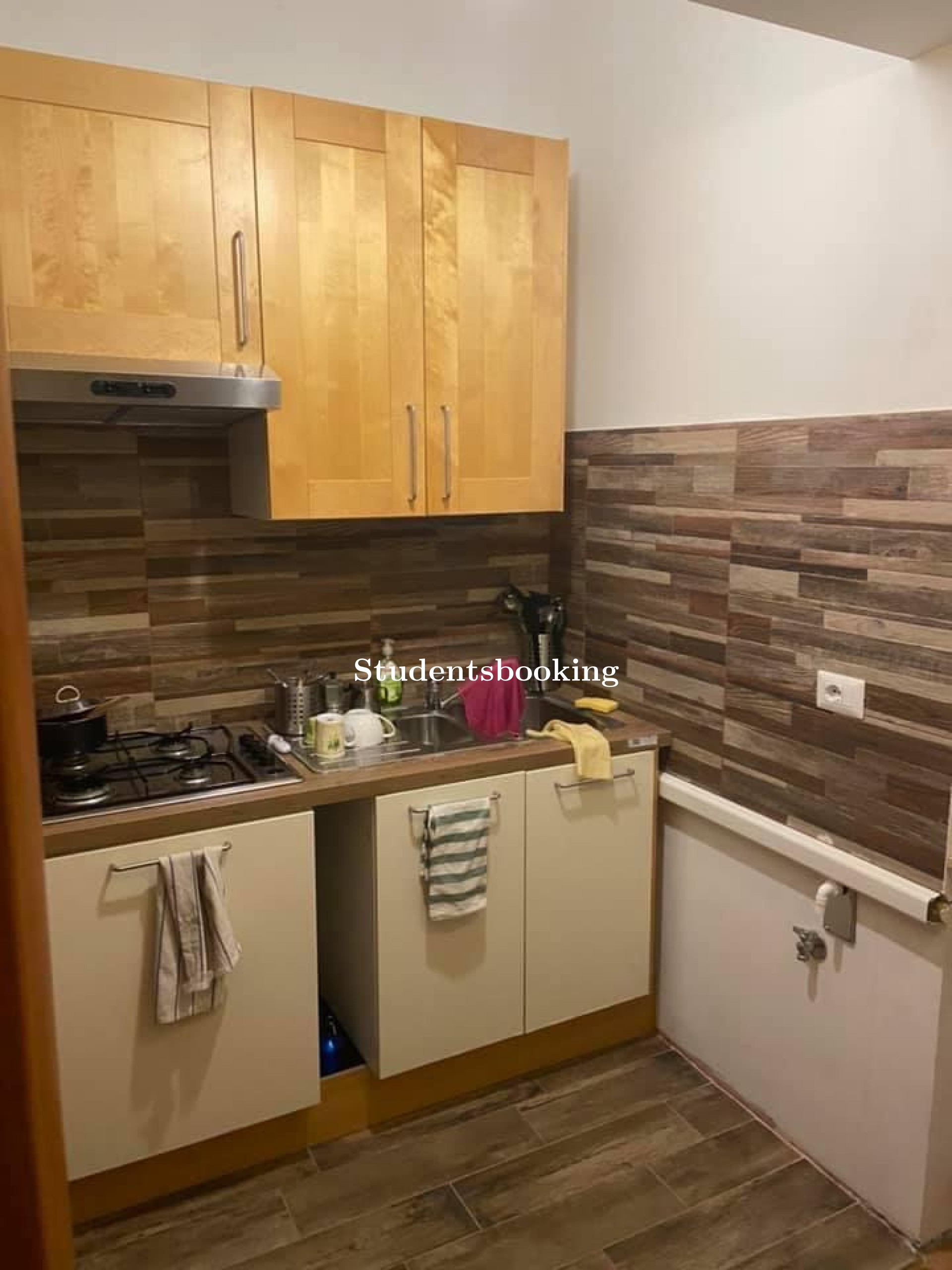
 Kitchen 1
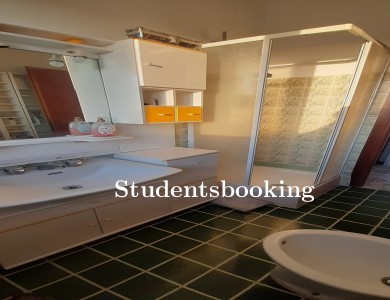
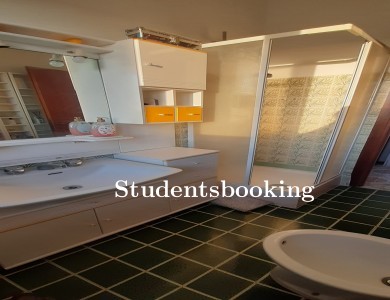
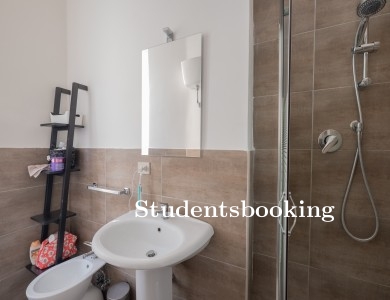
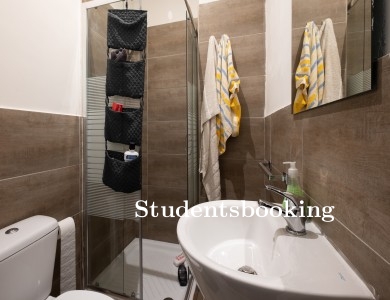
 Bathroom 2
 Piped Gas
 Bottled Gas
 Ensuite No
 Outdoor area Wi-fi
 Accessibility
  Air conditioning
  Cable TV
 Central heating
  Cleaning included
  Landlord lives in the property
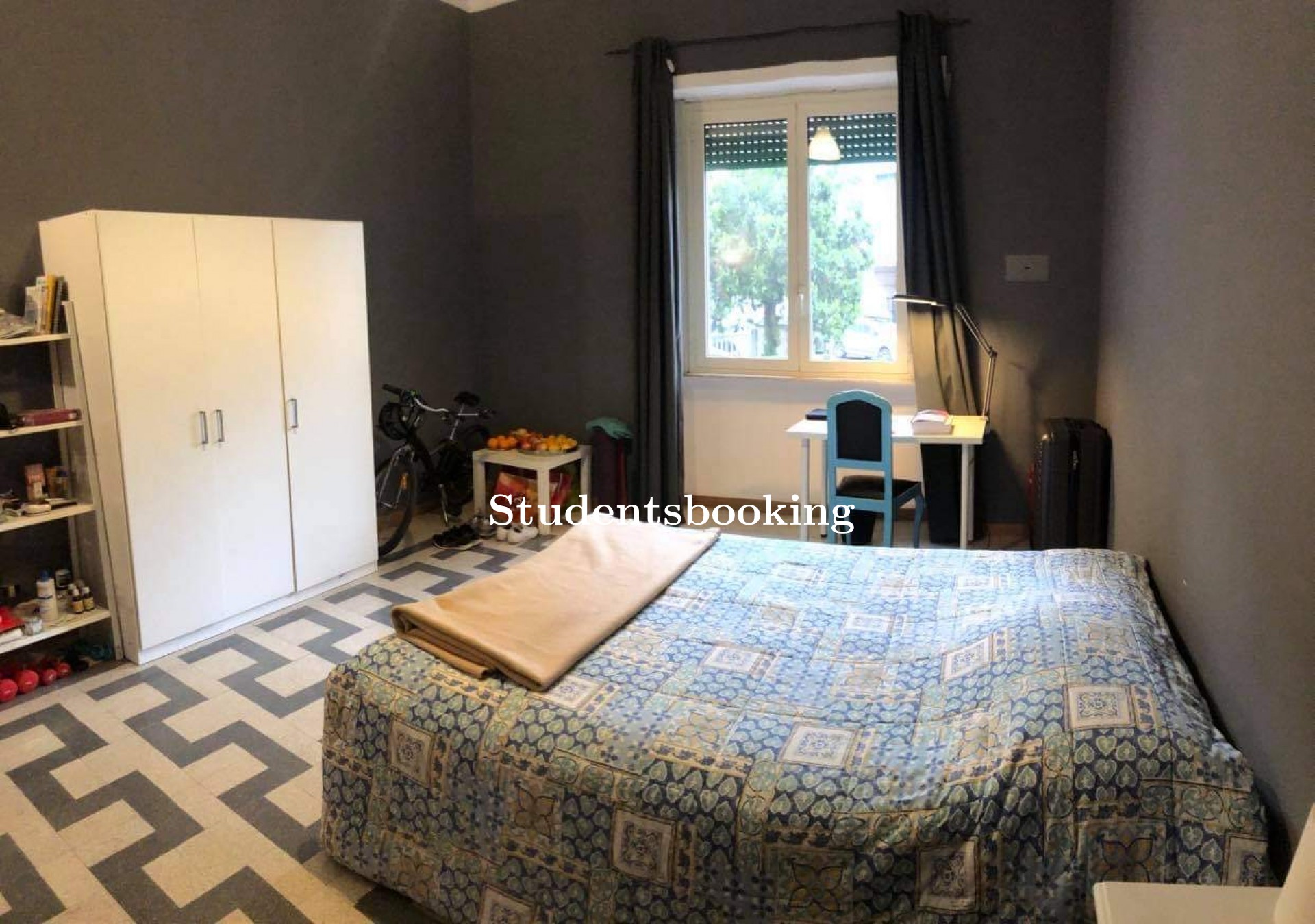
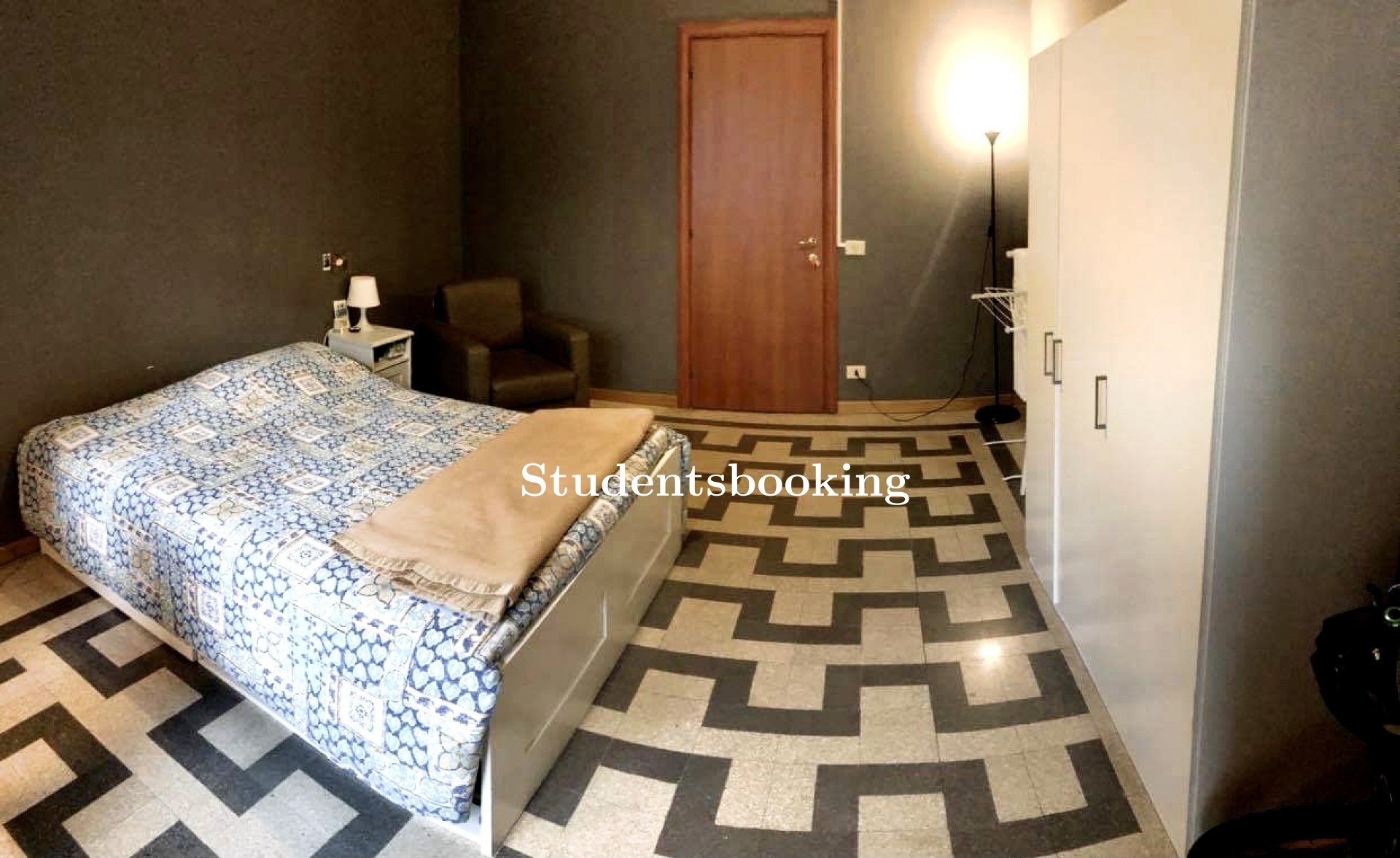
 Double Bed
 Chairs
 Lock
Lock TV
TV Single Bed
 Wardrobe
 Balcony
 Sofa-bed
 Bed linen
 Window
 Table Chairs Window Sofa-bed
 Sofa
Sofa Coffee table TV
 Desk Balcony Table Chairs
 Dryer
Dryer Fridge
 Oven Window
 Dishes & cutlery Balcony
 Pots & pans
 Washing machine
  Stove
Stove Toilet
 Shower Window
 Sink Bath tub
 Linen
Linen
www.stanzasingolaroma.it
Looks like no one had the time to review this place yet!
 viewed 691 times
  Not verified